What photos should a plumber add to their Google Business Profile?
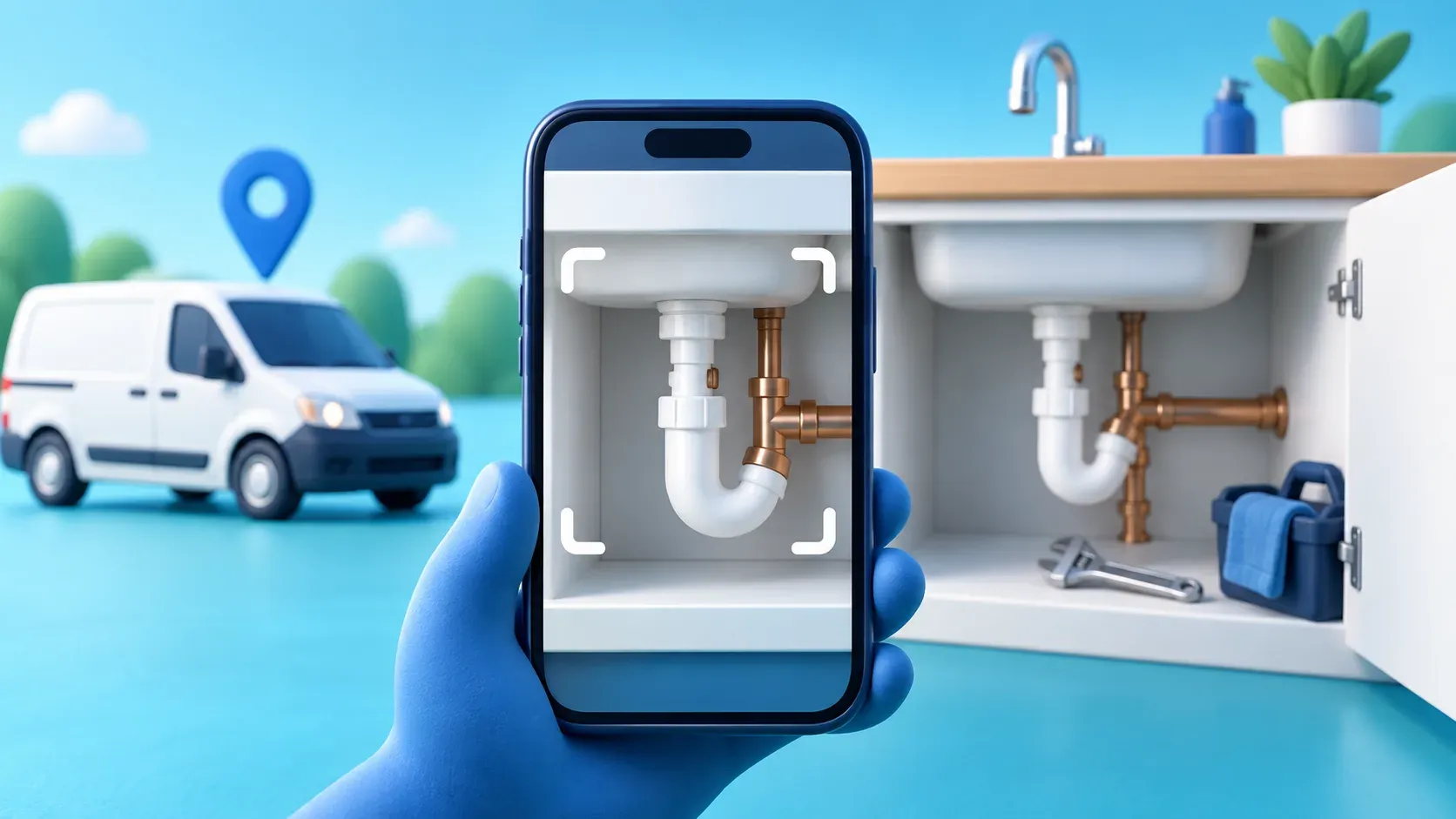
The customer who finds you on Google does not know that you are tidy, turn up when you say you will, or take pride in a neat finish. A handful of decent job photos can show all three before the first phone call.
This is not about filling your profile with polished stock pictures. For a plumber, the useful photos are the ones that make a homeowner think: “That looks like somebody who knows what they are doing.” A finished bathroom, a neat boiler cupboard, a clean repair under a sink and a properly sign-written van all do that job.
Google’s own Business Profile photo guidance says images should be in focus, well lit and represent reality. Start there. You do not need a photographer or a separate shoot.
Start with the five photos people look for
If your profile is empty, do not worry about building a huge gallery. Get these five types up first:
- Your van or work vehicle. Take it in daylight with the business name and phone number visible, if it is sign-written. It helps a customer recognise you when you arrive.
- You or the team at work. A natural shot in clean workwear is enough. It is often more reassuring than a logo on its own.
- A finished repair. A tidy trap, a repaired leak or new radiator valves says more than a photograph of a toolbox.
- A bigger completed job. A finished bathroom, utility room or boiler installation gives people a sense of the jobs you take on.
- A before-and-after pair. Use the same angle where you can. It shows the result without needing a big sales pitch.
Avoid making the photo about the mess at the start of a job. A small leak or tired bathroom is useful context; a close-up of somebody’s damaged belongings is not. Ask before you photograph inside a customer’s home and make sure there are no family photos, paperwork, house numbers or children in the frame.
Make the photo easy to understand
You can take most of these on an ordinary phone. Before you press the button, do three quick things: wipe the lens, turn on the room lights, and move the bucket, packaging and loose tools out of the way. Then get close enough that the job is obvious.
Try to show the part you actually fixed. A wide shot of a whole kitchen is rarely as useful as a clear view of the new waste pipe beneath the sink. For a bathroom refit, take one wider picture for the finished room and one closer one for the taps, tiling or pipework you are pleased with.
Do not use heavy filters, fake backgrounds or AI touch-ups. Google says Business Profile photos should represent reality and not have significant alterations or excessive filters. A straight, well-lit phone photo beats an overworked one every time.
Use a routine that fits around jobs
The trick is not enthusiasm. It is making the photo happen at the same point in a job.
When you have tested the repair and cleaned up, take two pictures: one close and one wide. Save the best one in a phone album called “work photos”. At the end of the week, choose two or three and add them to your profile. That is enough to keep a useful bank of recent work without stopping you in the middle of a busy day.
If you have done several similar tap repairs, choose the clearest one rather than uploading all of them. A varied set tells a better story: leaks, bathrooms, boilers, radiators, drainage and the occasional friendly face.
Get the basic file details right
Google currently accepts JPG and PNG images from 10 KB to 5 MB. It recommends at least 720 by 720 pixels, with 250 by 250 as the minimum. A modern phone image will normally clear that easily; the main thing is not to send a blurry screenshot or a tiny copy from WhatsApp.
Crop only when it helps the job stand out. Keep the pipework, appliance or finished room central, and leave out another firm’s logo if it happens to be in shot. If your phone gives you a choice, use the normal camera image rather than a social-media export.
Add photos to the right place
Open your Google Business Profile while signed into the account that owns it, then choose the option to add a photo or video. Google lets you set a logo and cover photo as well as adding general business images. Pick a clear van, team or finished-job photo for the cover; do not use a generic water-drop graphic that could belong to anyone.
The profile must be verified before photos can show. Google may review new uploads, so a picture can sit in processing before customers see it. If it is rejected, check the photo and video policy rather than repeatedly uploading the same image.
Let the website do the longer version
Google is a quick first impression. Your own website is where a customer can look at a fuller gallery, read reviews and decide whether you cover their job. Keep the two joined up: the business name, phone number and services on your profile should match the site, and your best real photos can do double duty in a gallery or services page.
If you have not set the profile up yet, start with our Google Maps guide. Once the photos are in place, asking for Google reviews gives the next customer-facing job to tackle. Both work better with a site that makes the call or enquiry simple, which is why we build clear photo galleries, click-to-call and contact routes into every package. Have a look at the options or get in touch if you would like a hand.